Work Orders
Log time, labor, and parts on every job, capture vendor invoices from a photo, and build asset history automatically — in-house or at an outside shop.
Built by industry veterans and active field service operators.
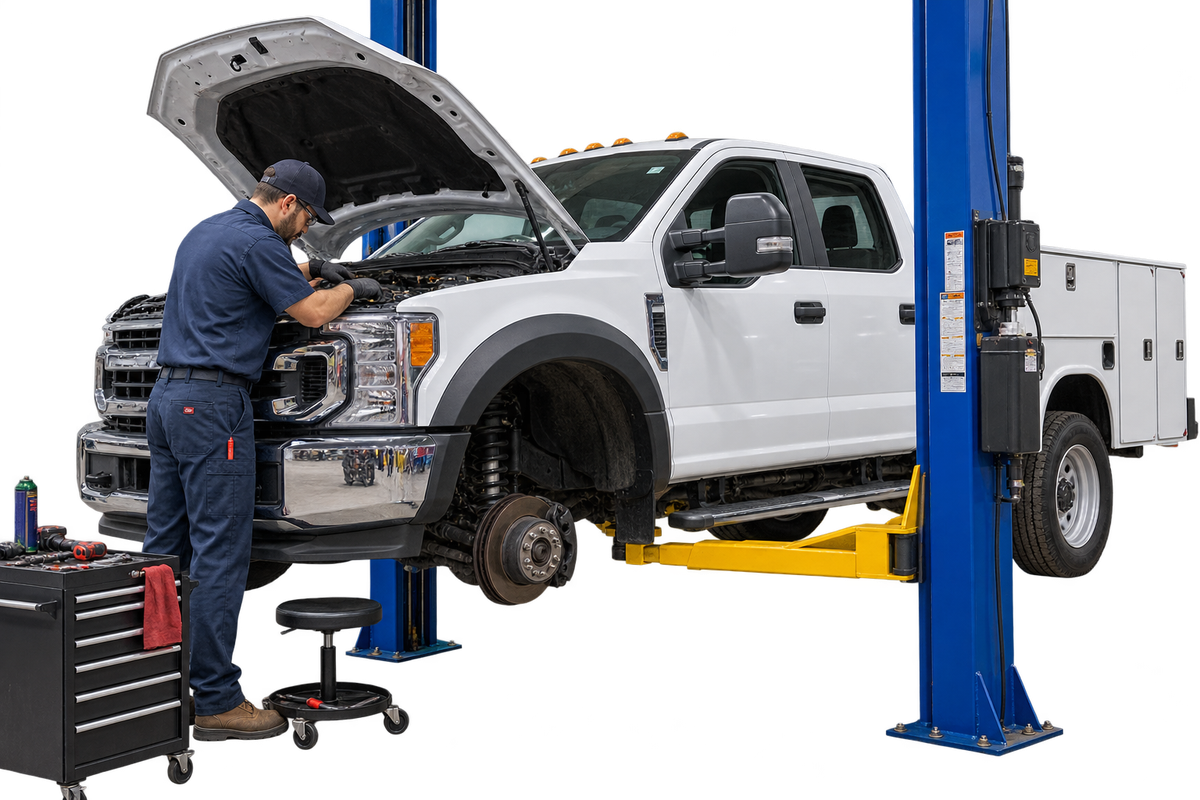
Problems Wrangler.ai Helps Solve
Work Orders
Write up work for your own bay or send it to an outside shop. Either way, the work order captures time, labor, and parts as the job moves — so the true cost of every repair is on the record before anyone forgets the details.
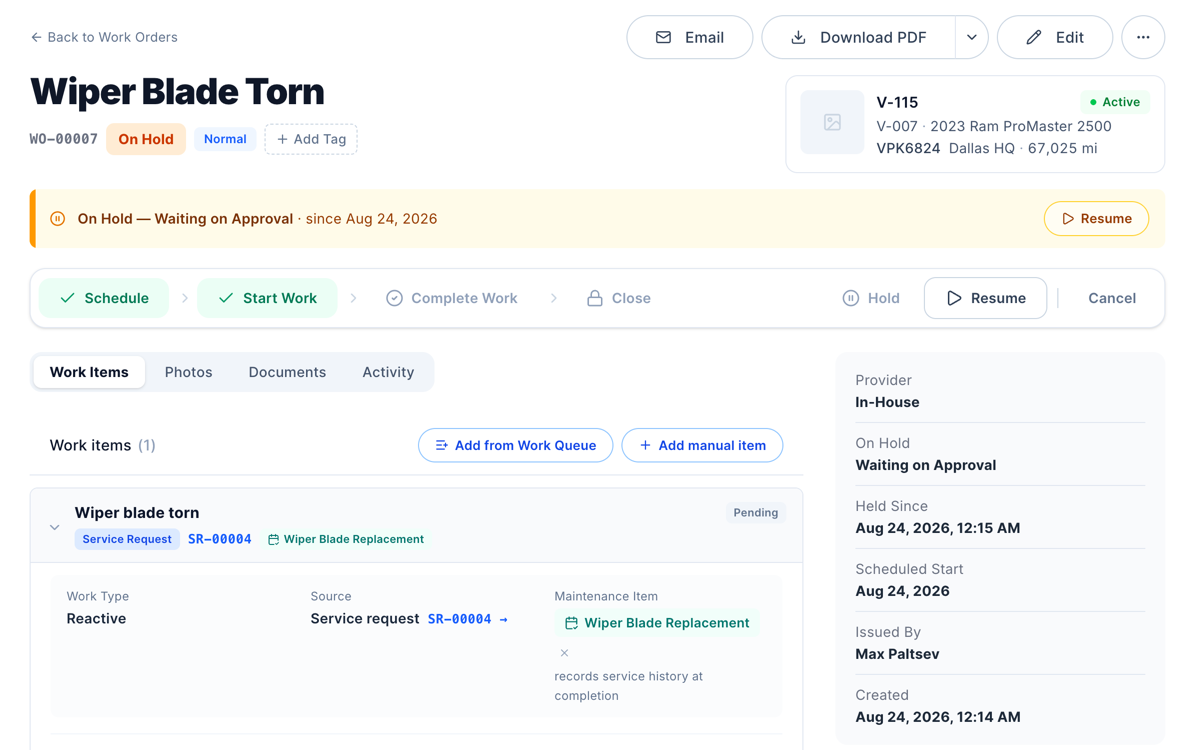
Take a photo of a vendor invoice, or upload the PDF. Wrangler.ai reads the charges, puts them on the right vehicle, and matches them to the maintenance item they cover.
Everything waiting on a wrench sits in the work queue. Drag a job onto the scheduler to give it a day and a bay, and move it just as easily when the week shifts.
Group work orders by asset, by status, or by work item to see the workload from every angle — what’s open, what’s stuck, and what’s next.
Yes. A work order can cover work in your own shop or at a vendor. Both kinds capture time, labor, and parts, and both land on the vehicle’s history the same way.
Snap a picture of the vendor invoice, or upload a PDF or image. Wrangler.ai reads the charges, links them to the right vehicle, and can match them to the maintenance plan item the work covers. Nobody retypes line items.
Open jobs wait in the work queue. Drag one onto the scheduler to give it a date, and drag it again if the day gets away from you.
Group it by asset, by status, or by work item — whichever matches how you run the shop.
Every completed ticket adds to the vehicle’s record: what was done, who did it, the parts used, and what it cost. Repair-or-replace calls get a lot easier with the receipts all in one place.
Free onboarding and data migration included.
