Purchase Orders
Create and email purchase orders in seconds, trigger them from work orders when parts run short, and track partial receipts until the order is complete.
Built by industry veterans and active field service operators.
Problems Wrangler.ai Helps Solve
Purchase Orders
Pick the vendor, add the parts, send. And when a work order needs parts you don’t have in stock, Wrangler.ai can raise the PO for you and link it to the job — the order goes out while the need is fresh.
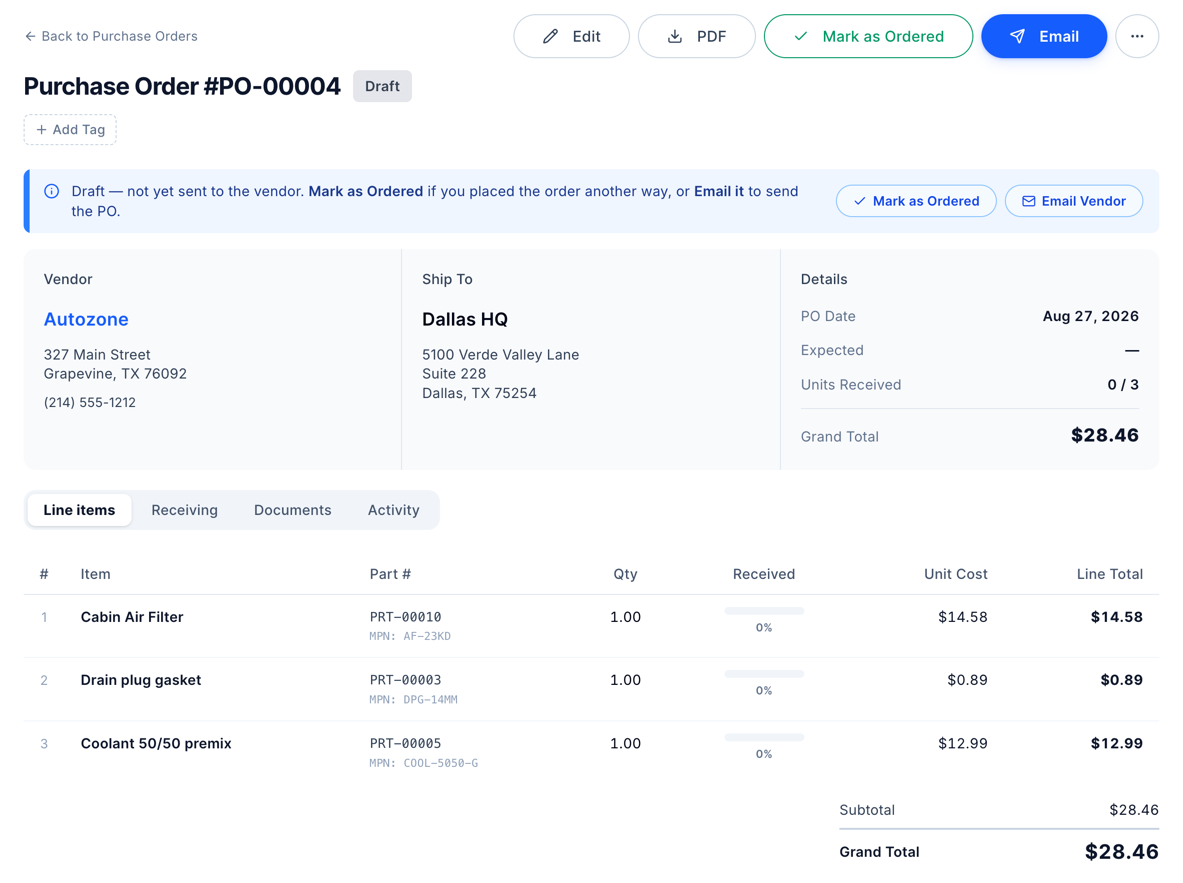
When a job calls for parts that aren’t on the shelf, Wrangler.ai creates the purchase order and links it to the work order. Nothing waits on somebody remembering to order.
Send the PO straight from Wrangler.ai. The vendor gets a clean order, and you keep a record of what was ordered, when, and from whom.
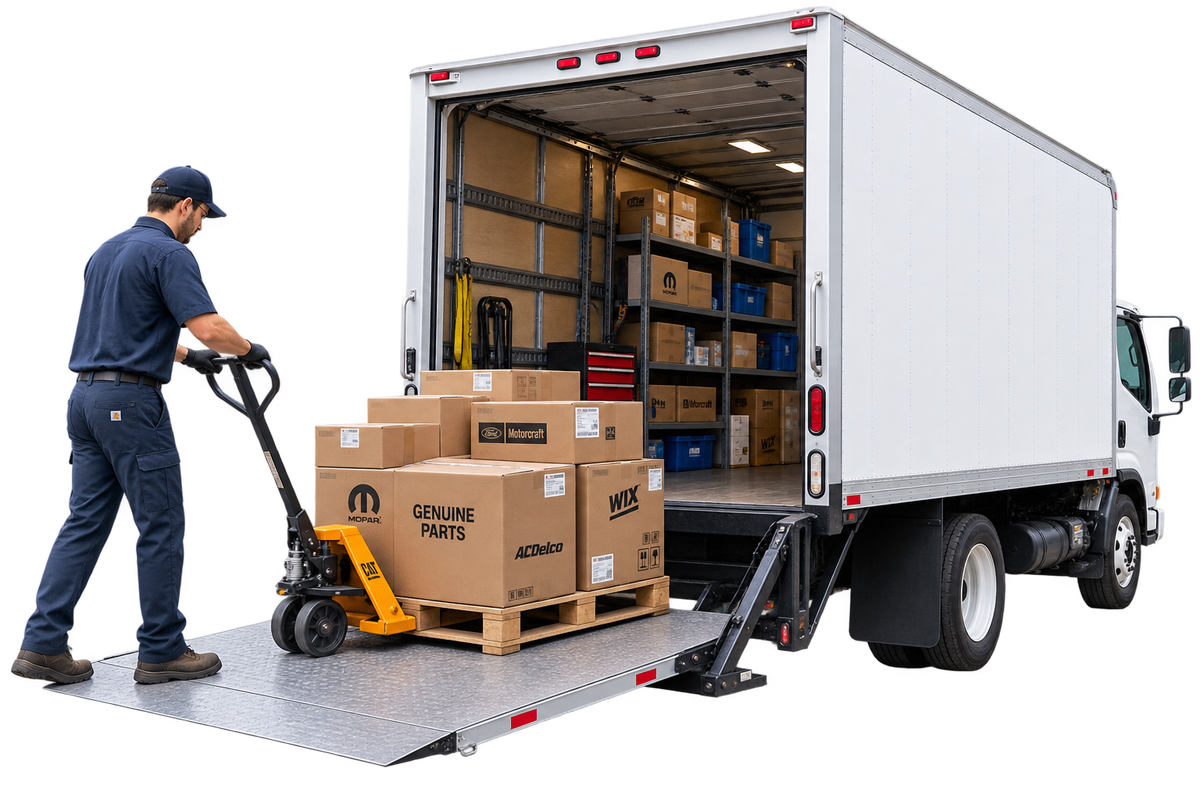
Half the order lands Tuesday, the rest next week. Log each partial receipt as boxes arrive, and the PO stays open until everything is in.
Seconds. Pick the vendor, add the parts, hit send. Most orders go from blank to emailed in under a minute.
Yes. When a work order needs parts that aren’t in stock, Wrangler.ai raises the PO automatically and links the two, so the order stays tied to the job it feeds.
By email, sent from the PO itself in one click. No printing, and no separate thread to lose track of.
Log a partial receipt. Wrangler.ai keeps track of what arrived and what’s still outstanding, and the PO stays open until the order is complete.
Yes. Work orders link to their POs, so every part you buy shows up in the cost of the job and the vehicle it went into.
Free onboarding and data migration included.
